Manage Guests, Chat, and Mailbox
Move between guest records, direct guest chat, and buyer-level mailbox threads.
Rent Radar splits communication between property-scoped guest tools and broader mailbox threads.
- A property is selected for guest and chat workflows.
Work from the Guests tab
- 1
Open Guests to review primary and secondary guests for the active property.
- 2
Open a guest record when you need booking-linked details.
- 3
Use the guest actions to review or update the record.
Use Chat for active conversations
- 2
Open Chat with Guests from the navigation.
- 3
Select the conversation linked to the guest or booking.
- 4
Read unread messages first, then respond.
- 5
Watch the navigation badge for new messages.
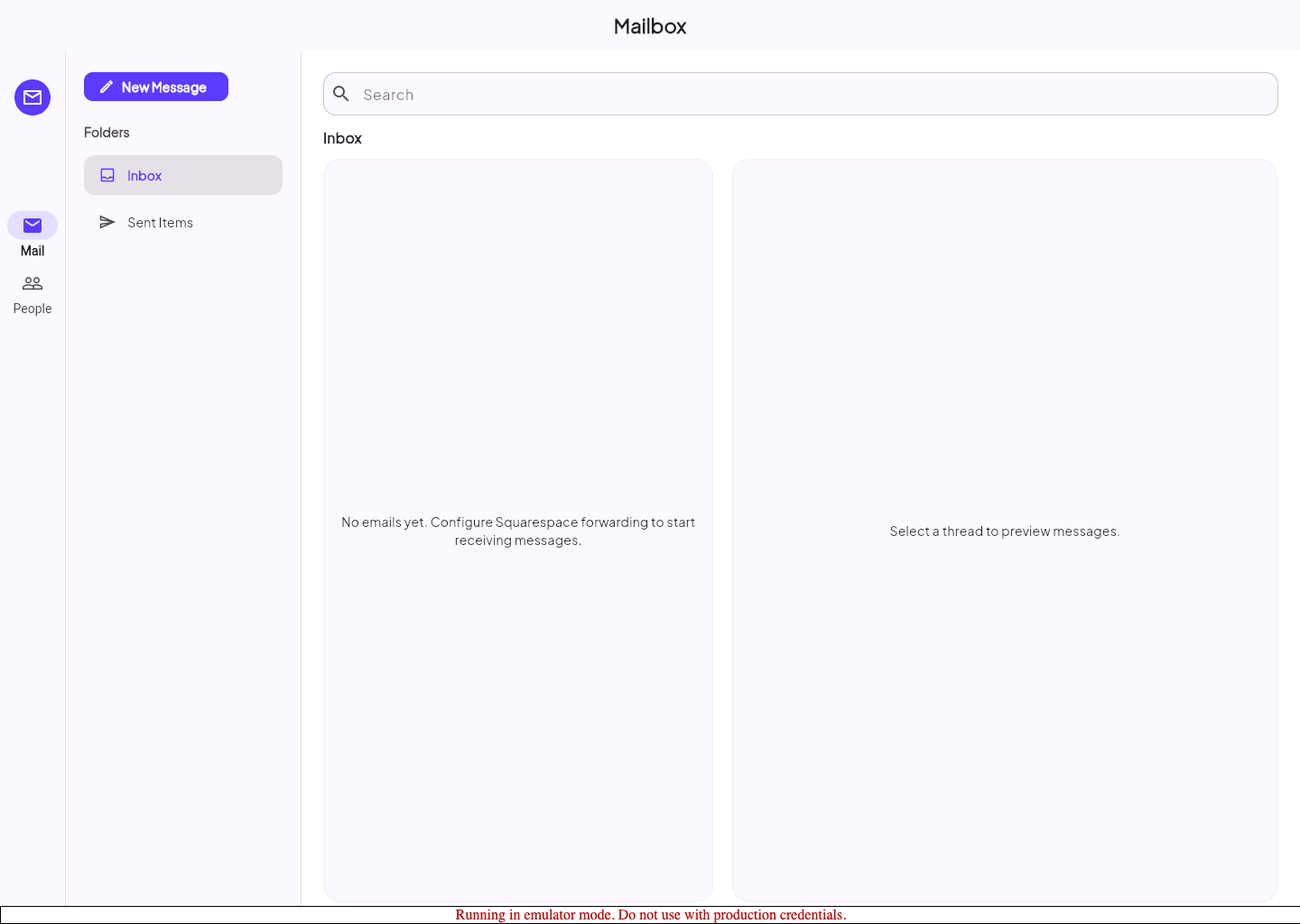
Use Mailbox for buyer-level threads
- 3
Open Mailbox when the thread is broader than one guest conversation.
- 4
Review unread threads and open the one that needs action.
- 5
Use Mailbox when the communication belongs at the buyer level instead of the property level.
Guided screenshots
Reference views for this workflow.