Run the troubleshooting sequence
- 1
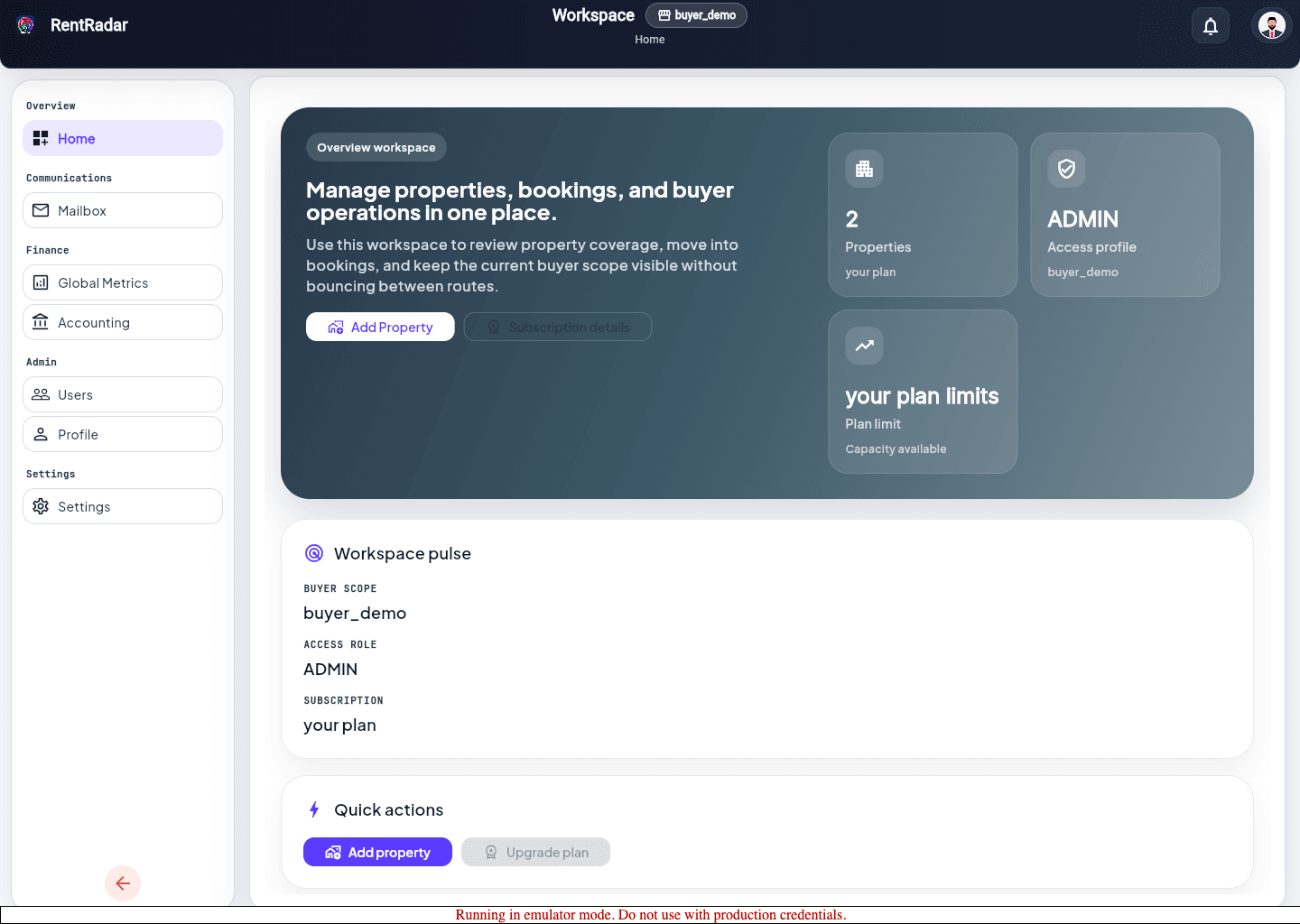
Confirm the user is signed in with the expected account.
- 2
Check workspace and property scope first.
- 3
Confirm whether the route requires buyer scope, property scope, or a specific capability.
- 4
Compare the behavior with another role or user if that evidence is available.
- 5
Escalate only after you can describe the exact route, scope, and failed step.
Capture high-signal escalation detail
- Include workspace, property, route, and a screenshot whenever possible.
- Say whether the issue affects one user, one role, one property, or everyone.
- List the last successful step before the failure instead of describing the whole session loosely.