Account & SecurityAll signed-in rolessettings-and-security
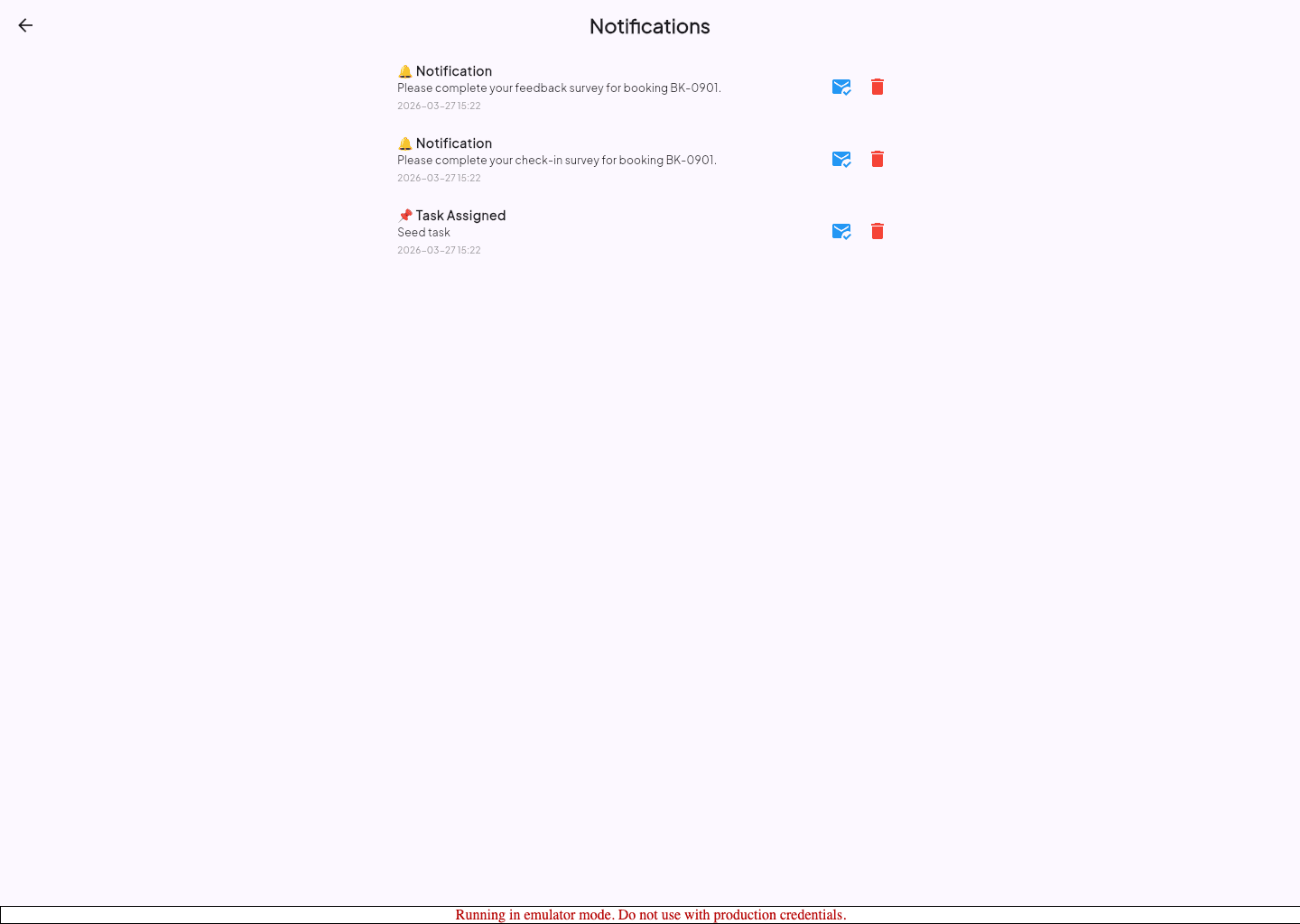
Manage Notifications and Session Security
Tune notification behavior, change your password, and understand the idle sign-out flow.
Before you start
Settings controls how the app keeps your notifications and sessions secure.
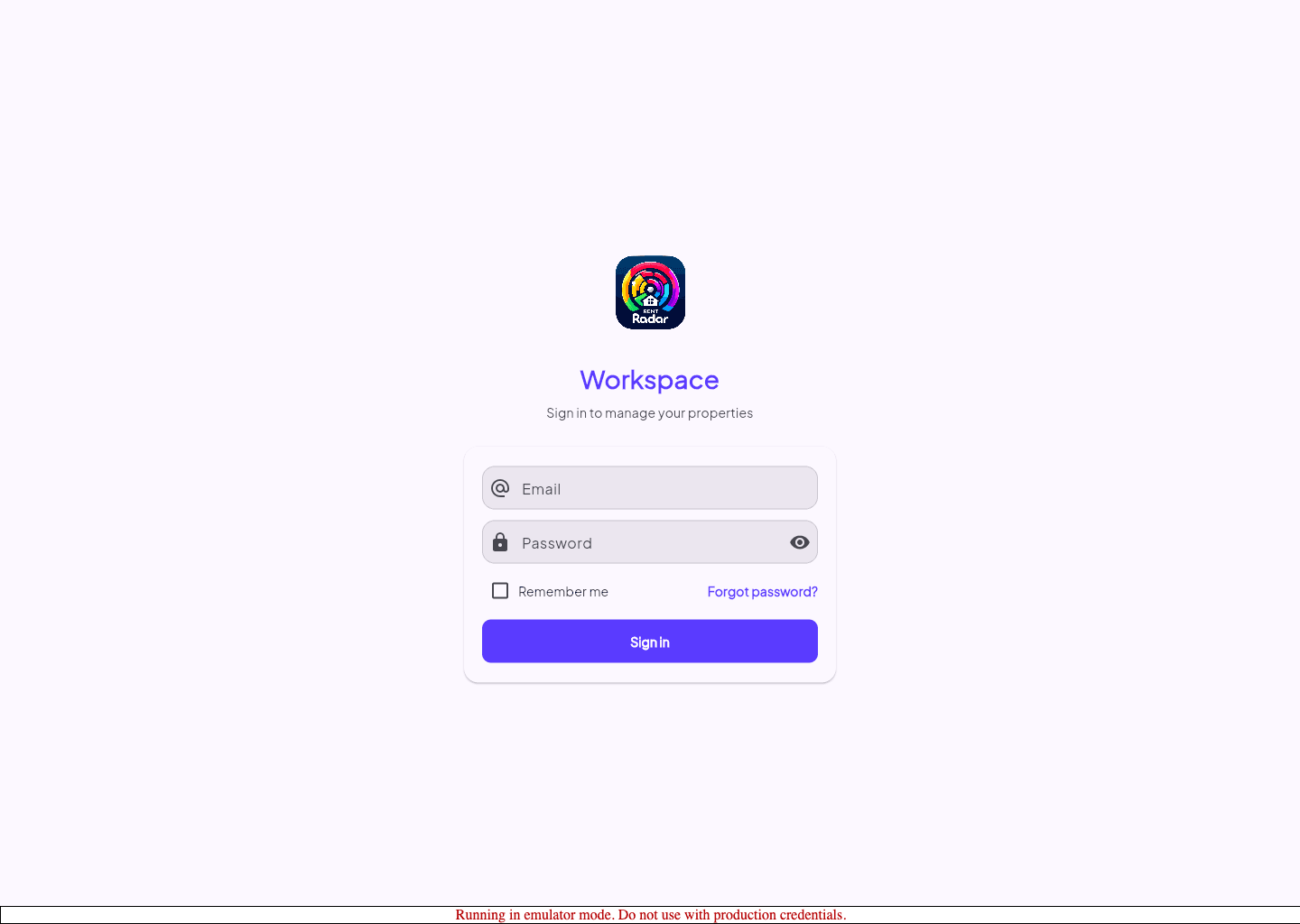
- You can sign in successfully.
Review security-related settings
- 1
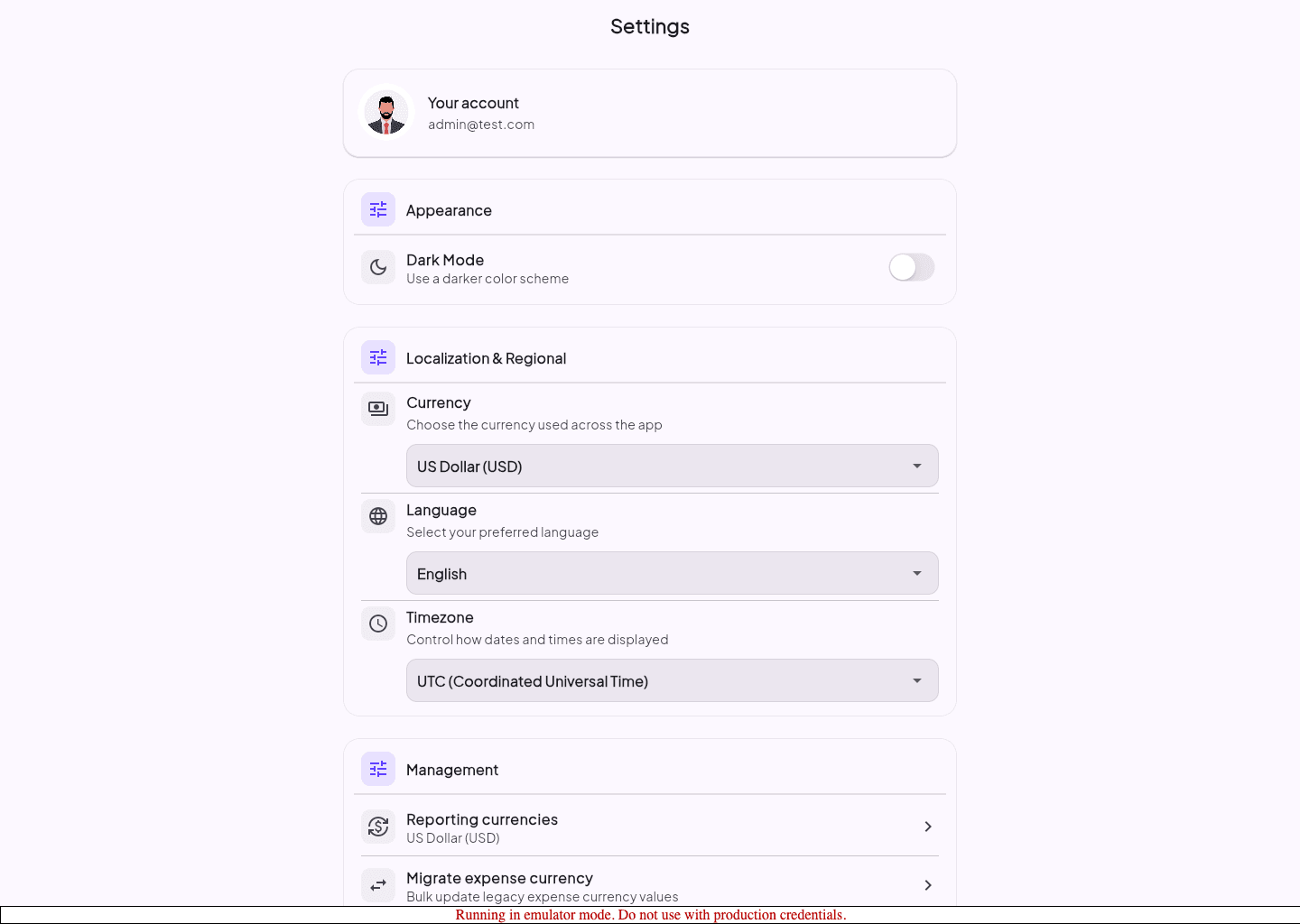
Open Settings.
- 2
Review the notification toggle or related delivery settings.
- 3
Use the password action when you need to rotate your password.
- 4
Confirm two-factor authentication is still enabled if your role requires it.
Understand idle sign-out
- The app can show an inactivity warning before signing you out.
- Choose the stay-signed-in action if you are still working.
- Expect a full sign-out if you ignore the warning long enough.
Guided screenshots
Reference views for this workflow.