Account & SecurityAll signed-in rolessettings
Update Profile, Language, and Theme
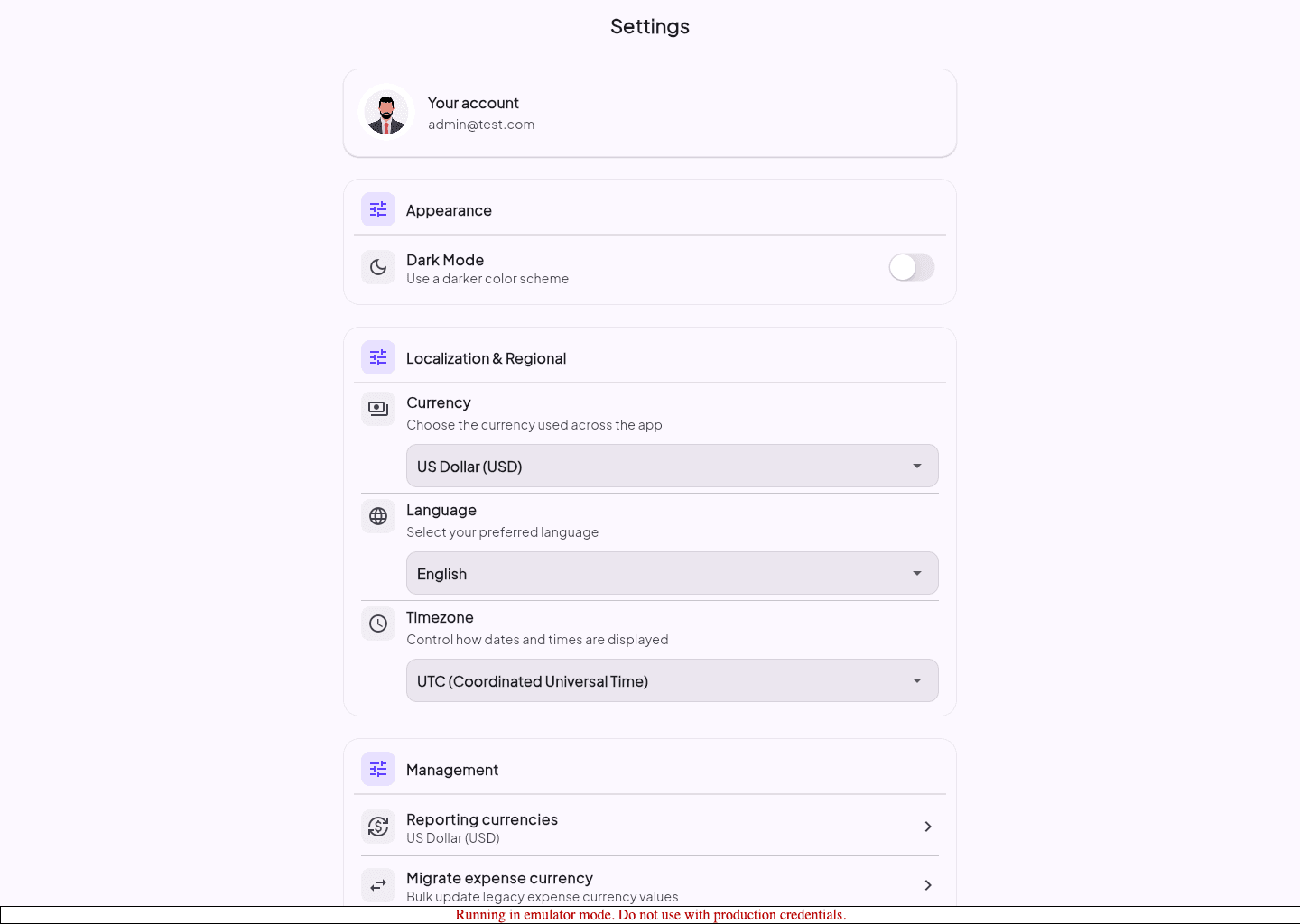
Use Settings to confirm your account details and adjust interface preferences.
Before you start
Settings keeps personal preferences separate from property operations.
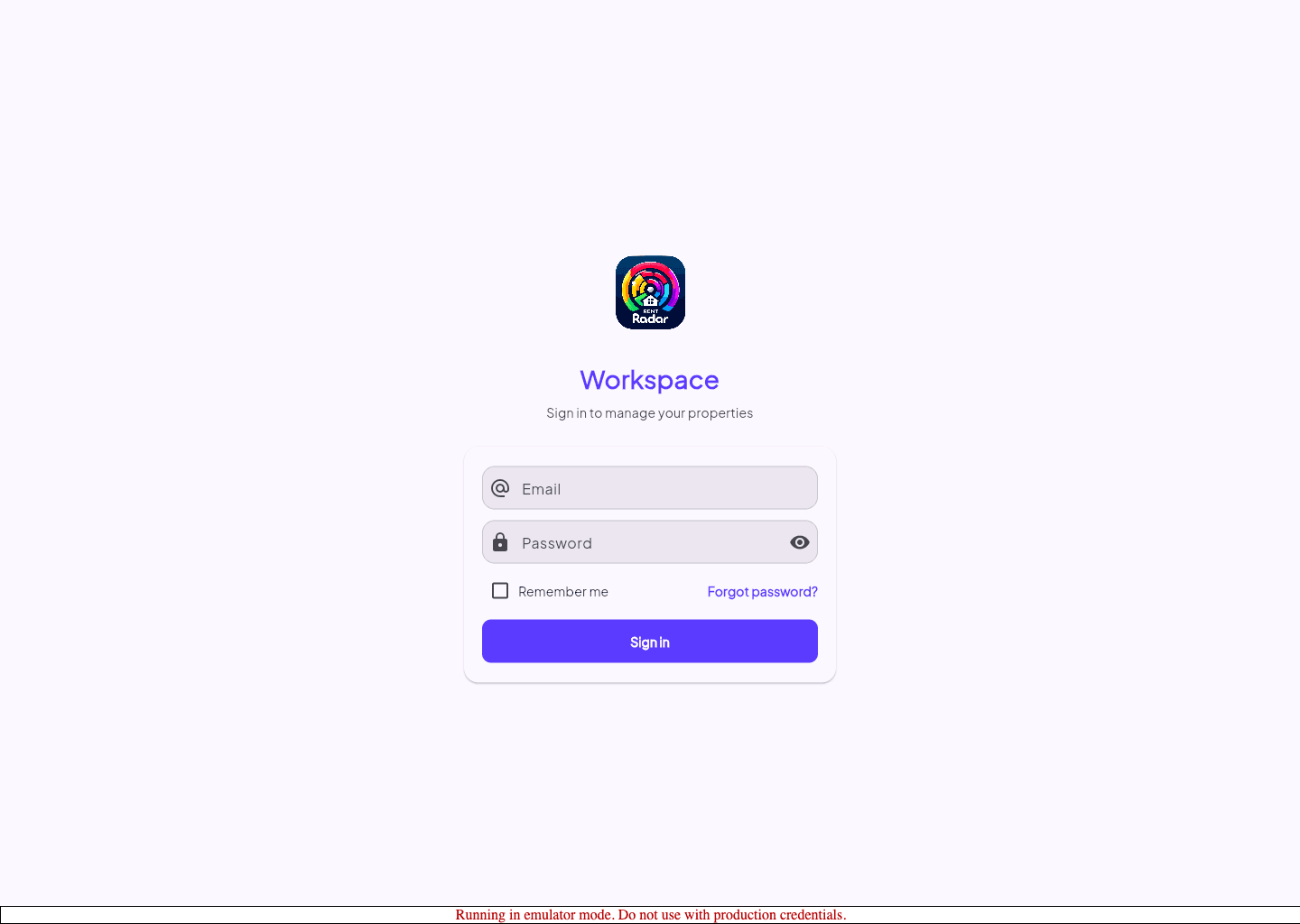
- You can sign in successfully.
Update your preferences
- 1
Open Settings.
- 2
Review the account card for your display name and email address.
- 3
Choose the language you want to use for the interface.
- 4
Change the theme preference if needed.
- 5
Confirm the updated setting before leaving the page.
Guided screenshots
Reference views for this workflow.