Property SetupAdmin users with settings accesssystem-preview
Configure the System Preview
Use the System preview canvas to adjust colors, orientation, and the active section before editing deeper content.
Before you start
The System page is the control surface for the guest-facing preview experience.
- Manage Settings access.
- A property is selected.
Adjust the preview shell
- 1
Open System from the dashboard navigation.
- 2
Review the preview canvas and the current section tabs.
- 3
Update the color swatches if branding needs to change.
- 4
Switch device size or orientation when you need another preview format.
- 5
Use the brightness controls if screen dimming behavior needs tuning.
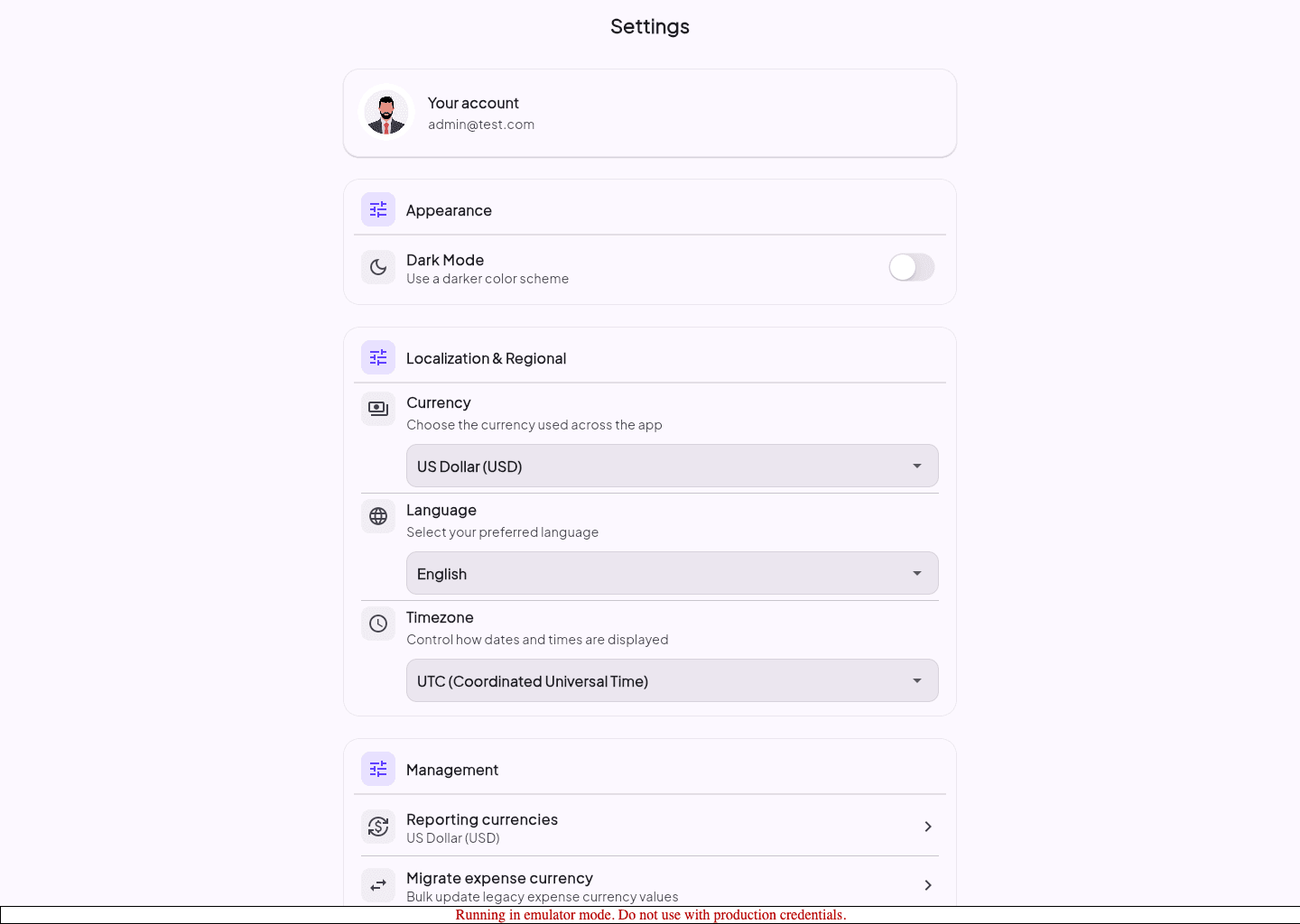
Guided screenshots
Reference views for this workflow.