Review the current issue load
- 1
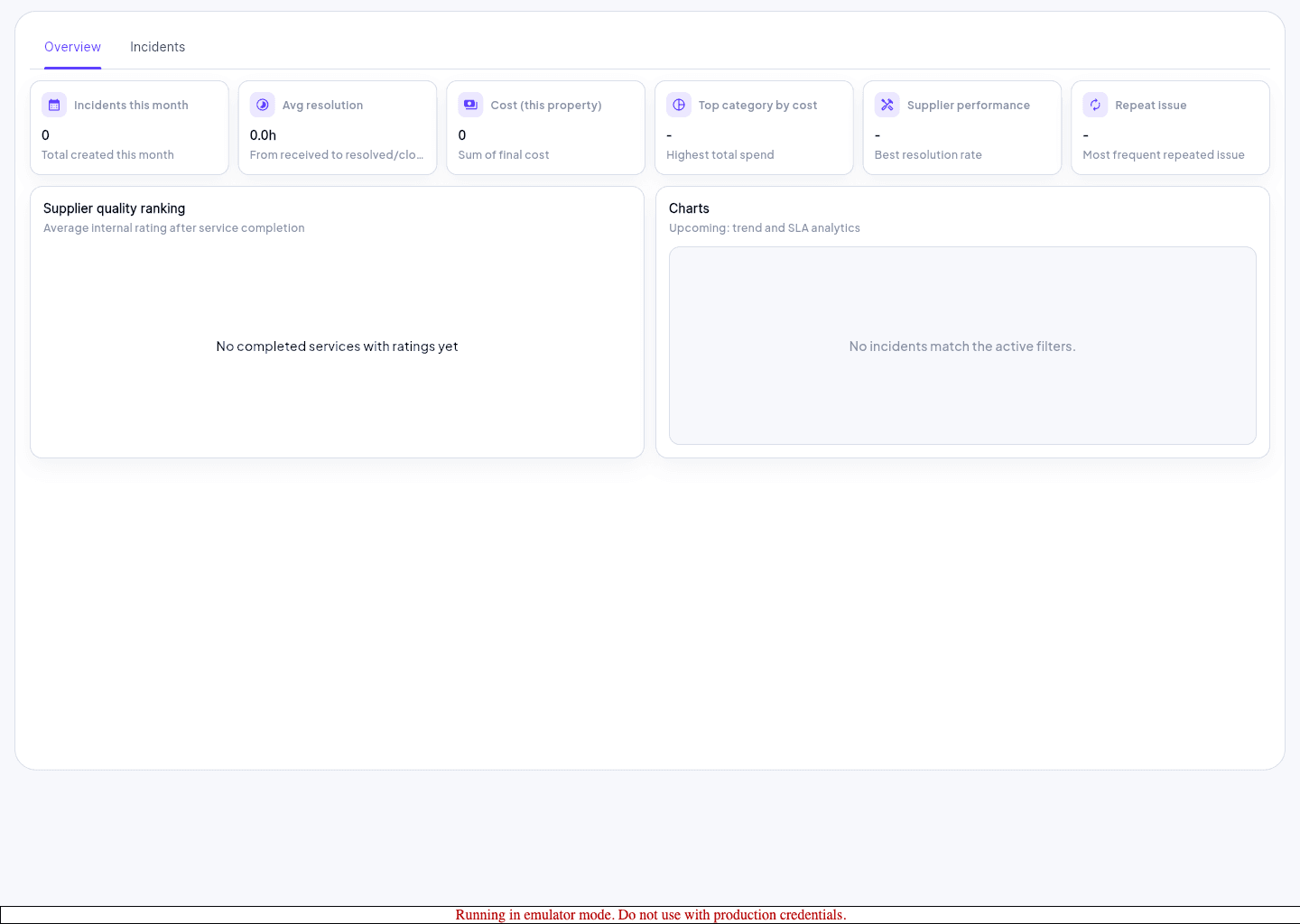
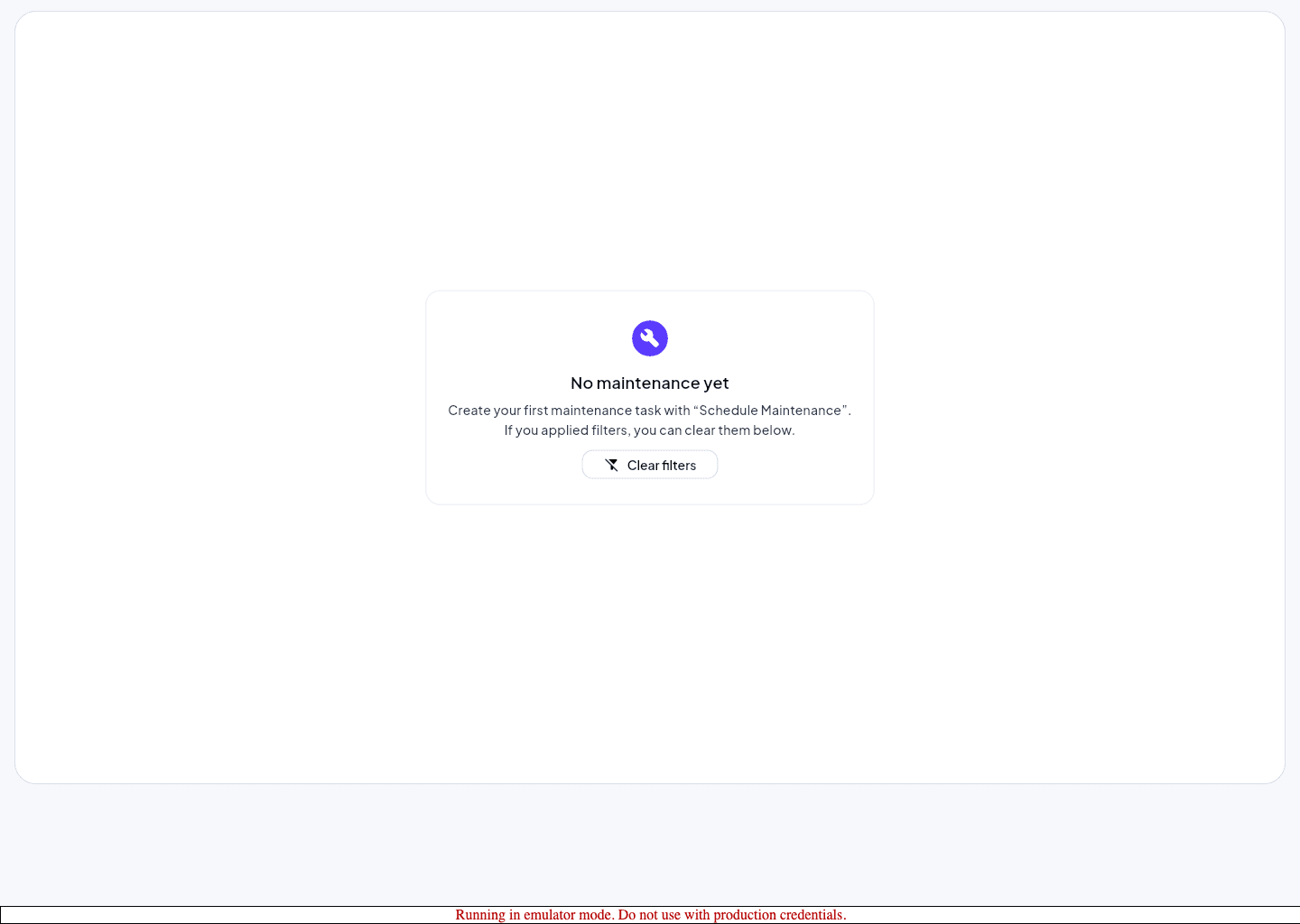
Open Maintenance and review scheduled or open work first.
- 2
Move to Incidents when the issue requires exception tracking or acknowledgement.
- 3
Confirm the item belongs to the active property before updating status.
- 4
Record the latest status, owner, or next action so the queue stays current.
Keep resolution visible
- Use explicit status changes rather than assuming teammates saw a message elsewhere.
- Escalate repeated or severe incidents through the support path with property and route context attached.
- Return to tasks or notifications only after the maintenance or incident record is current.