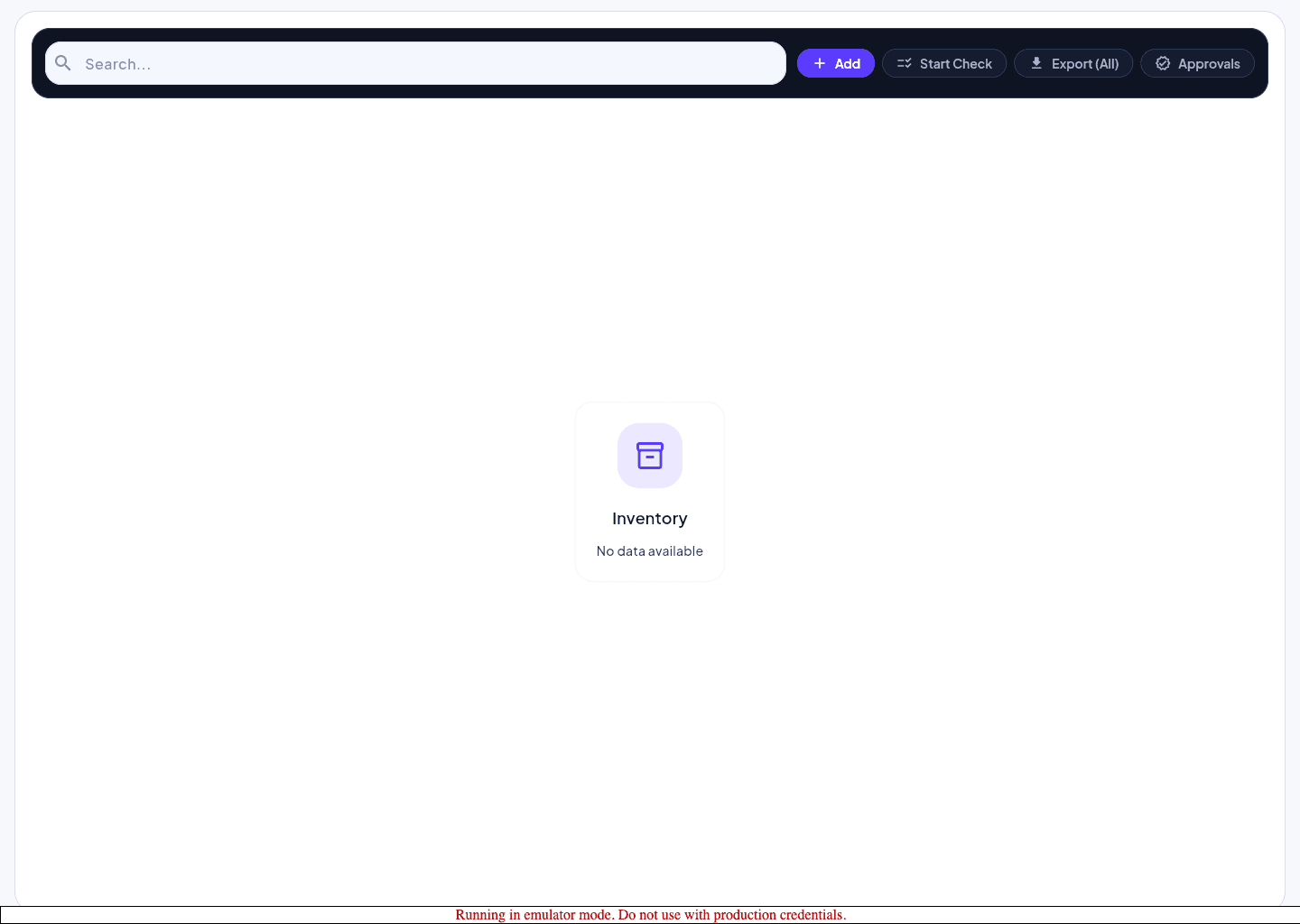
Run the inventory workflow
- 1
Open Inventory for the active property.
- 2
Review current items, statuses, and pending exceptions.
- 3
Record the needed change or check result.
- 4
Send the item into approval when the workflow requires sign-off.
- 5
Confirm the list reflects the updated state before leaving the page.
Protect the approval trail
- Keep exceptions tied to the inventory record instead of splitting the discussion across tools.
- Use property scope deliberately so approvals do not appear in the wrong operational context.
- Escalate missing approval capability as a role issue, not an inventory bug.